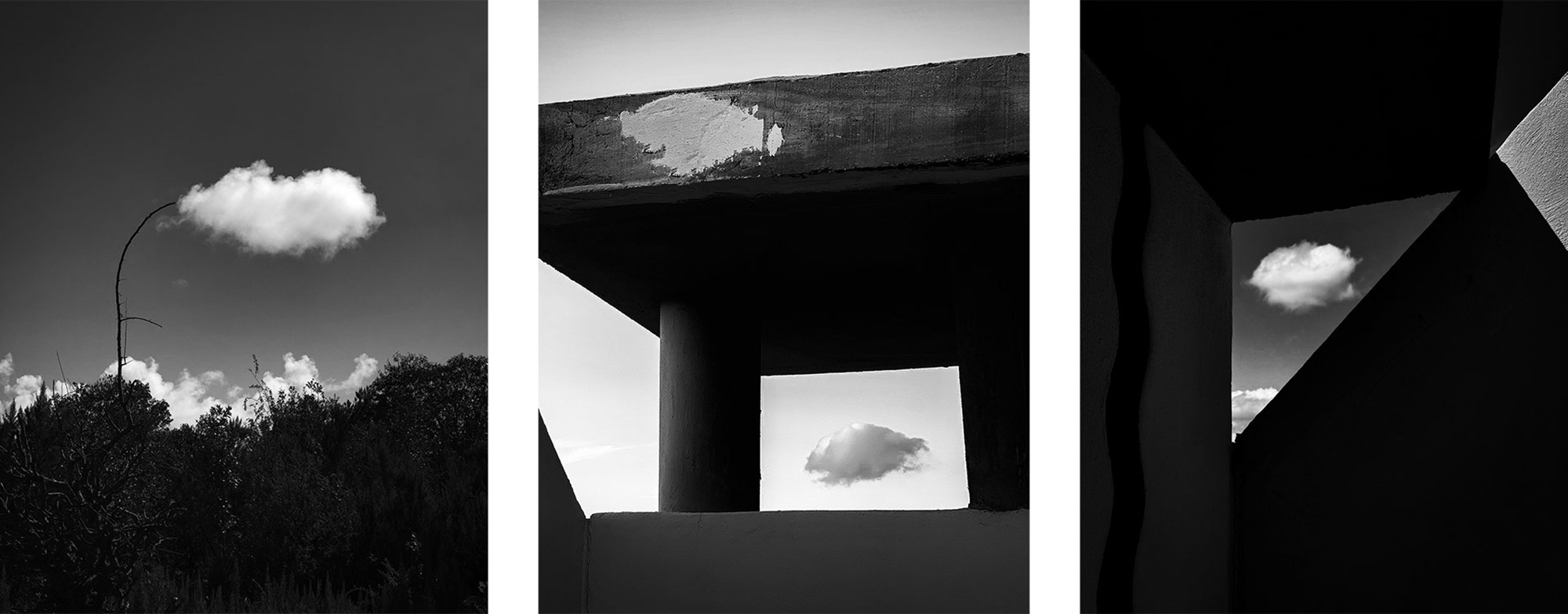
Techniques
What the Phone Decides For You: iPhone Craft Beyond the Basics
General photography advice stops where the iPhone's software begins. When to switch computational processing off, how ProRAW differs from HEIC at entry size, what the long lens actually compresses, and how to shoot at night without the night mode look.
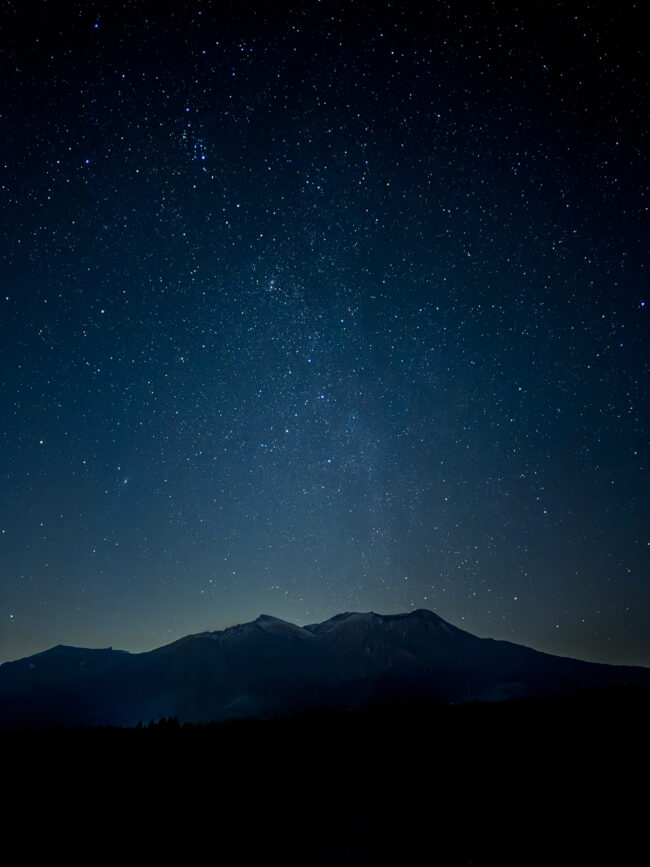
Most photography advice is written for a camera you focus yourself, expose yourself and develop yourself. An iPhone makes a thousand of those decisions before you ever see the frame, and a few of them in ways you would not have chosen. This guide is about that layer: what the phone does better than you can, and the specific moments when you should take the decisions back.
None of it depends on owning the newest phone. A 2017 iPhone is still capable of a winning photograph, and the software running on it today makes choices you can learn to steer.
What the phone genuinely does well
Smart HDR, Deep Fusion and Night mode are not filters. They are multi-frame processes: the camera records several exposures in the fraction of a second around the moment you press the shutter, aligns them, and keeps the parts that are best exposed. In high-contrast daylight that is close to a free stop and a half of dynamic range, and hand-held it is better stabilisation than any phone-sized sensor could manage mechanically.
Night mode is the same idea stretched over one to thirty seconds. It is the most useful photographic tool Apple has shipped, and the reason a phone can photograph a street at eleven at night at all. The mistake is treating it as always on rather than as a decision.
When to switch computational processing off
There are three situations where the software works against the picture rather than for it.
Moving subjects in high contrast
HDR merges frames taken milliseconds apart. When something in the frame moves between them, a person crossing a doorway, a bird, a wave, the merge either ghosts the subject or takes one frame's version of it and another frame's background, and the result looks slightly wrong in a way that is hard to name. In a bright scene with fast action, ProRAW, or simply HDR off, gives you one exposure of one moment. It may clip a small highlight. That is usually the better trade.
Fine, low-contrast texture
Deep Fusion engages in medium and low light and merges a short exposure with a longer one. On foliage, knitwear, gravel or hair it can produce a slightly smeared, watercolour look at 100 percent. If the photograph is about texture, switch ProRAW on. You lose the merge and get one honest frame that you can sharpen yourself.

Shot details
- iPhone
- iPhone 12 Pro Max
- Lens
- 7.5mm, f/2.2
- Mode
- 1/120s, ISO 160
Anything you plan to grade
A HEIC is already tone-mapped, denoised and sharpened by the time you open it. Editing it means editing decisions somebody else made. ProRAW keeps the sensor data along with Apple's computational metadata, which is why a DNG can be pushed two stops before it falls apart.

Shot details
- iPhone
- iPhone 15 Pro Max
- Lens
- 15.66mm (120mm equiv), f/2.8
- Mode
- 1/850s, ISO 50
ProRAW or HEIC for a competition entry
This is the question entrants ask most, and it has two answers.
Shoot ProRAW when the light is difficult, the texture is fine, or you intend to do tonal work: night scenes, backlit skies, snow, anything where you want to decide where the highlights land. Shoot HEIC when the scene is straightforward, the light is even and speed matters more than headroom. A HEIC is roughly a tenth the size and writes almost instantly.
Neither is what you submit. Entries must be JPEG or HEIC, at least 1080 pixels on the longest side and under 25MB. A ProRAW DNG is 25 to 75MB, will not upload, and is not the file the judges want. Edit the DNG, export a full-quality JPEG, and keep the DNG as your record of what was actually captured.
The real cost of ProRAW is time. Each frame takes noticeably longer to write, which matters when something is happening in front of you, and the files fill a phone quickly. On the 12 and 13 Pro it is available only on the wide camera; from the 14 Pro onwards you can use it on the telephoto and ultrawide as well.
What the long lens actually does
A 5x lens on an iPhone is roughly 120mm equivalent. Its value is not magnification, it is compression: the distance between near and far collapses, and the picture becomes a stack of flat layers instead of a corridor of receding ones. Rooftops pile up behind each other. A mountain sits immediately behind a town. Faces flatten toward their own proportions rather than the wide lens's exaggeration.
Two things worth knowing. The 2x setting on a 48MP phone is not the bad kind of digital zoom; it is a real 12MP readout of the centre of the sensor, and it is sharp. And the 5x camera has a small sensor and a slower lens, so it is the first to raise ISO and the first to fall back to a shorter lens when the light drops. If the frame suddenly looks wider than the one you set, the phone has switched. Tap the lens and hold the exposure.
Compression rewards patience. Find a vantage point where three planes sit behind each other, then wait for something to pass through the middle one. A single figure crossing the middle plane is what makes the layers legible.

Shot details
- iPhone
- iPhone 17 Pro
- Lens
- 17mm (200mm equiv), f/2.8
- Mode
- 1/2300s, ISO 16
Night mode without the night mode look
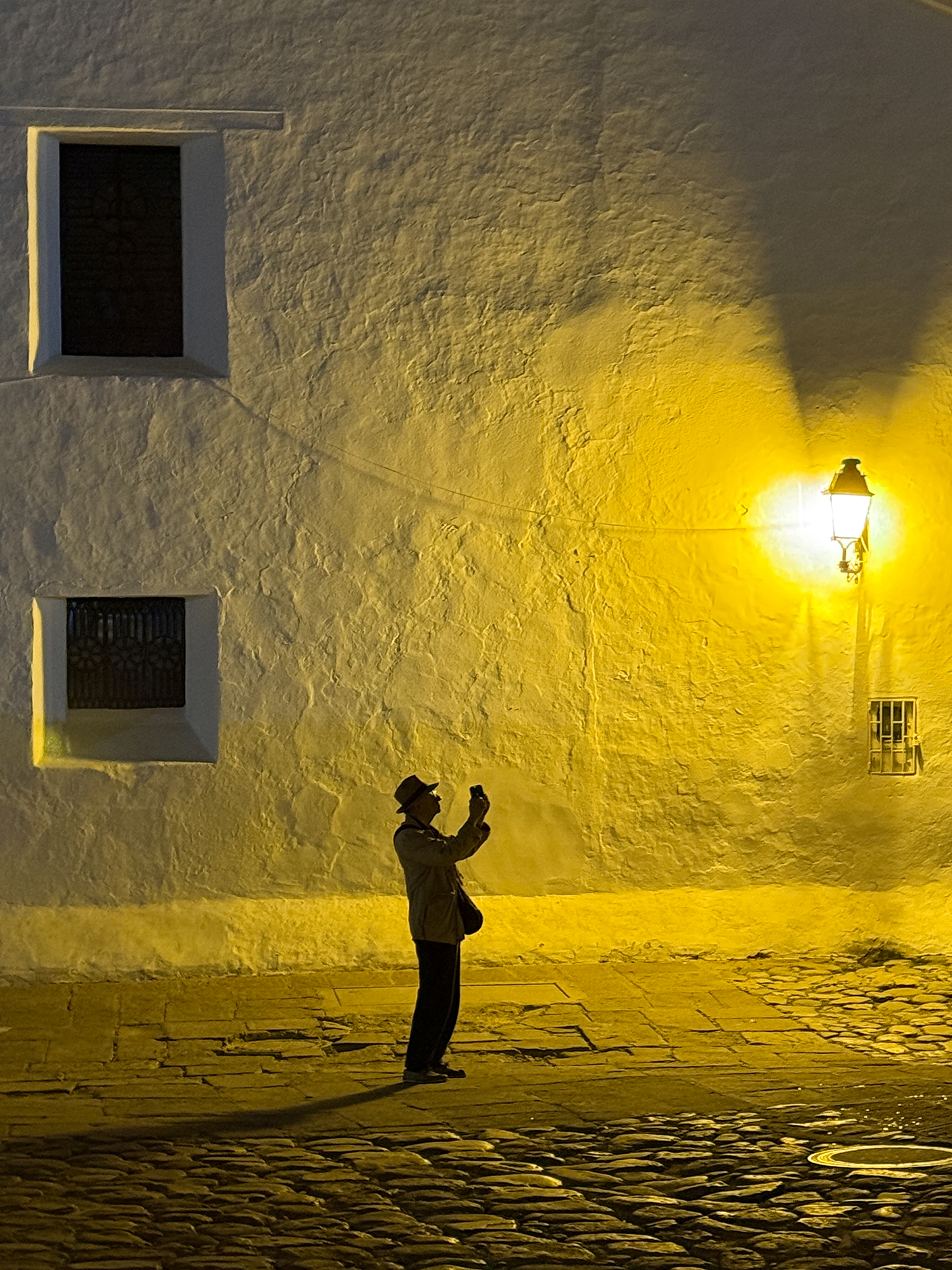
The look is recognisable: shadows lifted to grey, a sky the colour of slate, detail smoothed until it is waxy, and a faint halo where the merge could not agree. It happens when the phone decides how much night to remove. You can keep the exposure and lose the look.
Tap the brightest thing you care about and drag the sun icon down a stop. Leave some true black in the frame: a doorway, a silhouette, the underside of a bridge. Brace the phone against a wall or a bin instead of trusting your hands, and use the three-second exposure rather than the ten-second one unless you are on a tripod. When something in the frame is moving and you want it sharp, turn Night mode off entirely and accept the noise. Grain reads as a photograph; smearing does not.
On a tripod, the thirty-second exposure is worth the wait for architecture and still water. It is the one situation where the phone comfortably beats most cameras you would carry at that hour.
Shot details
- iPhone
- iPhone 16 Pro Max
Where the phone still gets in the way
Highlights clip before you can see them. The preview is a processed approximation, so a white sky in the viewfinder may be recoverable or already gone, and only the file will tell you. Shutter lag exists, in ProRAW especially, and it is longer than the click suggests. The lens may change under you mid-sequence. And the tiny lens elements flare and ghost when the sun sits just outside the frame; angle the phone a few degrees and it disappears.
None of these are reasons to use something else. They are the specific things to watch for, which is more useful than pretending the phone has none.
A craft checklist for iPhone entries
- Is the brightest area holding detail, or has the phone already clipped it?
- Is the texture in this frame sharp at 100 percent, or has Deep Fusion smoothed it?
- Was ProRAW on because the scene needed it, or because it is always on?
- Is the long lens compressing the layers I meant to stack?
- At night, is there still a true black in the frame?
- Is the file a JPEG under 25MB at 1080 pixels or more?
Enter this year's awards
Craft is what the judges look at. The rules are what decides whether your file is seen at all.
Entry guidelines